RECORDINGS & PRIVACY
Scam With Your Friends Recordings & Privacy
Local recordings, AI transcripts, the in-game browser, and controls worth understanding.
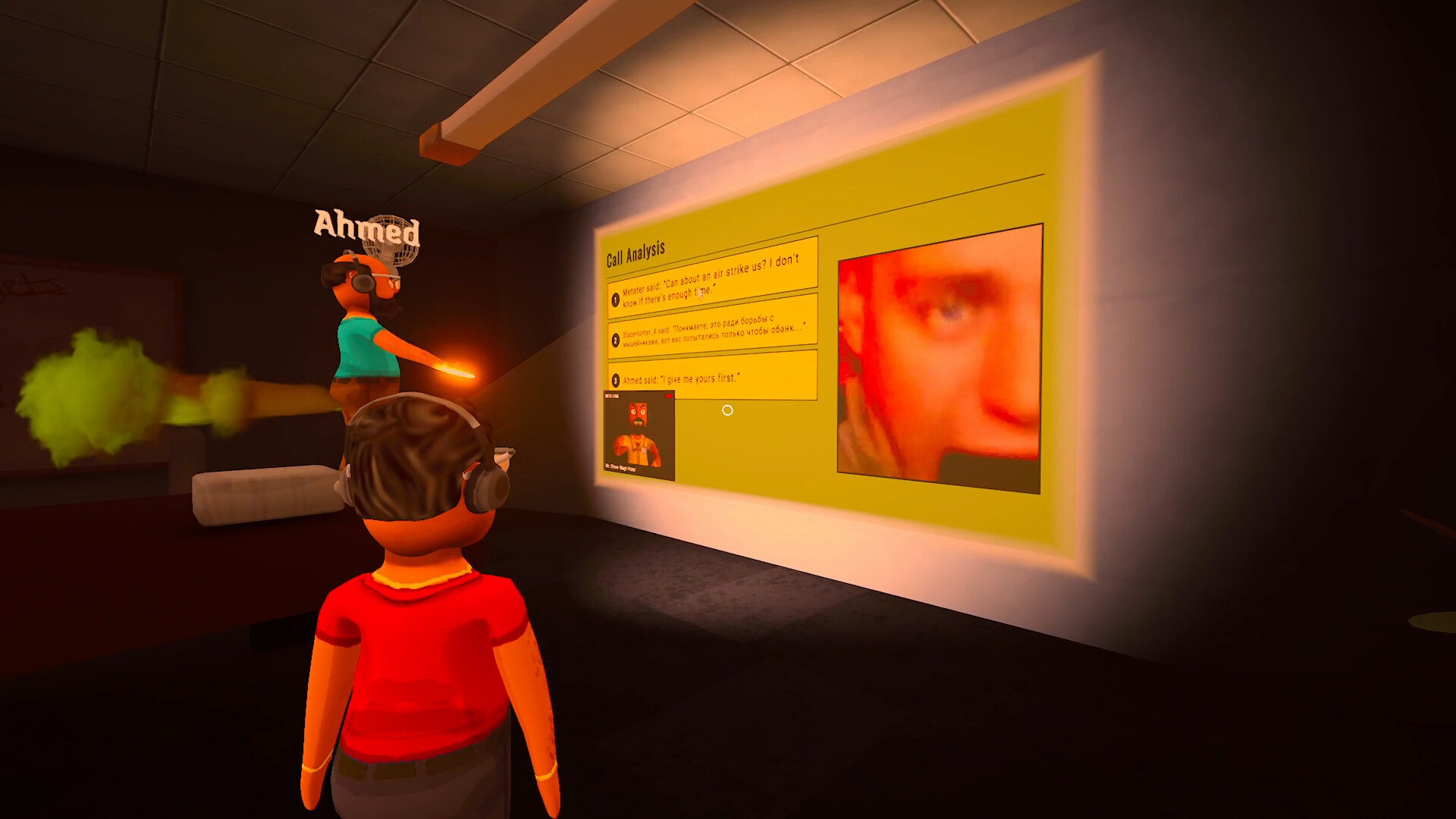
The game saves call recordings locally by default and sends conversation text to online AI services. Turning off permanent saving still permits temporary recordings for boss reviews.
Installer safety and in-game viruses
The game contains fictional viruses and scam scenarios. Those mechanics do not determine whether an installer is safe. Use the verified Steam product and check its developer and publisher when a similarly named download appears elsewhere.
This guide reviews published behavior; it has not performed a malware analysis of the game. The sections below explain recordings and online data rather than giving a security guarantee.
What is saved on my PC?
The publisher’s October 17 privacy policy says call recordings and related transcripts are saved locally by default. On Windows, the normal location is:
%USERPROFILE%\Documents\Scam With Your Friends\Videos
Your Documents folder can be in a different location on your PC. Check that folder if you are looking for existing files.
Disable Call Saving, added in update 0.1.78, stops new permanent video clips from being kept. It still allows temporary recordings for boss reviews. The policy also says deleting a video in the game does not currently delete its separate transcript file.
Which information goes online?
- Built-in speech recognition
- Processes your speech locally to create text. This does not make the later AI conversation local.
- AI calls and boss reviews
- Transcript text, conversation history and game context pass through online services to DeepSeek or through OpenRouter to model providers.
- Optional Deepgram mode
- Sends speech audio directly to Deepgram using your personal account and key.
- Multiplayer and replays
- Other players receive shared voice, video or review content and can save or stream it.
- Feedback and Workshop
- Reports, chosen attachments and custom-caller uploads create additional shared copies.
The policy says AI context can include player display names and gameplay statistics; boss reviews can include browser searches and website names. Providers may retain text or use it to improve models under their terms and settings. Request and response text can also remain in troubleshooting logs.
Local recognition or optional Deepgram?
The privacy policy’s local-recognition description needs to be read alongside updates 0.1.78/0.1.82, which added optional online Deepgram recognition.
If you want speech recognition to run locally, check that a built-in mode such as Moonshine or Whisper is selected. AI conversation text still goes online. With Deepgram selected, speech audio also goes to that provider and usage is billed to your account. See AI services for the distinction.
Browser and multiplayer sharing
The in-game browser opens real websites. The EULA warns that sites can see your IP address and may display personalized or approximate-location content, which can appear on shared screens or streams. Streamer settings do not guarantee privacy.
The first-launch agreement includes browser privacy controls. Update 0.1.82 also says Family Friendly mode blocks the in-game browser and replaces private caller photos with placeholders. Treat that as a specific feature setting rather than a guarantee about everything another player can record.
Other players may keep their own copies of voice or replays. Deleting your local files cannot remove those copies.
A privacy checklist before playing or sharing
- Review recording preferences: enable Disable Call Saving if you do not want new permanent video clips. Temporary boss-review recordings can still occur.
- Review existing files separately: the setting concerns new clips. The policy allows local files to be removed manually; check for separate transcript files too.
- Check recognition mode: built-in local recognition and optional online Deepgram have different audio paths.
- Check browser controls before streaming: avoid exposing personal accounts or pages through a shared screen.
- Inspect a feedback report before submitting: diagnostics and logs may include gameplay and conversation text even without a video attachment.
- Check Workshop sharing: the policy says saving a custom caller syncs its material through Workshop. Unlisted is still uploaded, and local deletion does not automatically delete the Workshop item.
For the publisher’s contact and data-handling details, use the official privacy policy. This game policy is separate from this fan website’s privacy information.
CHECK THE ORIGINALS
Sources & version notes
Checked October 21, 2026. Official notes describe behavior at their publication date. Early Access updates may change it.