BOSS REVIEW & PROGRESSION
Scam With Your Friends Boss Review & Progression
Verify the day’s earnings and outcome, understand 0.1.83 audio replay fallback, and choose one concrete improvement for the next run.
Compare credited earnings with the current daily quota and read the end-of-day result. From 0.1.83, a failed or frozen boss-review video can fall back to audio with a still image and transcript; that alone does not mean progress was lost.
How do quota and Boss review affect progression?
The official game description describes a daily quota, increasingly chaotic workdays, more scams to unlock and a boss review at the end of the day. The Steam description also warns that poor performance can get you fired.
Use three checks through a shift: the current target, earnings actually credited, and the end-of-day result. A caller agreeing to pay, a promising investment value or a funny review clip is not itself confirmation that the quota was met.
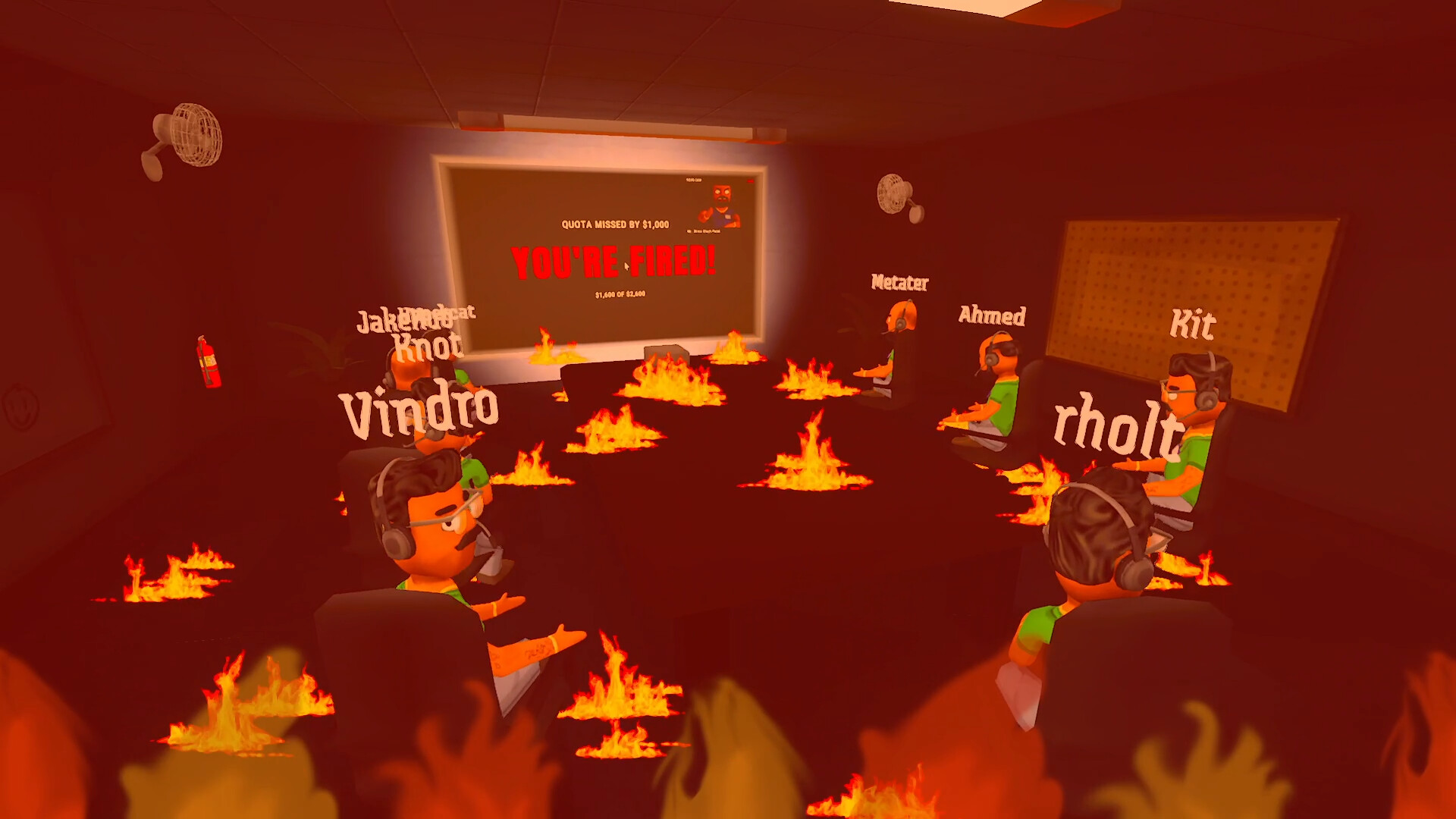
Before the end-of-day review
- Read the target in the current session. Work from the displayed quota and mode rather than a fixed dollar value copied from another run.
- Settle unfinished tasks. Depending on the scenario, this may mean cashing out, entering a confirmation or invoice number, or scratching a lottery ticket. Use the task completion reference.
- Check credited earnings. Compare the result with the target. A lottery ticket can pay zero, and unpaid investment earnings can be lost.
- Compare with teammates. In co-op, confirm everyone is discussing the same session and current result. Update 0.1.82 improves quota-board earnings updates and preserves its scroll position.
- Read the final result. Use the outcome shown by the game to decide what to change next. The replay helps explain a call; it is not a substitute for the earnings result.
The linked official sources do not give a complete day-by-day quota table or a universal formula for every unlock. This guide therefore uses the current run’s target rather than promising a fixed amount will always advance you.
Boss review video frozen, black or not playing
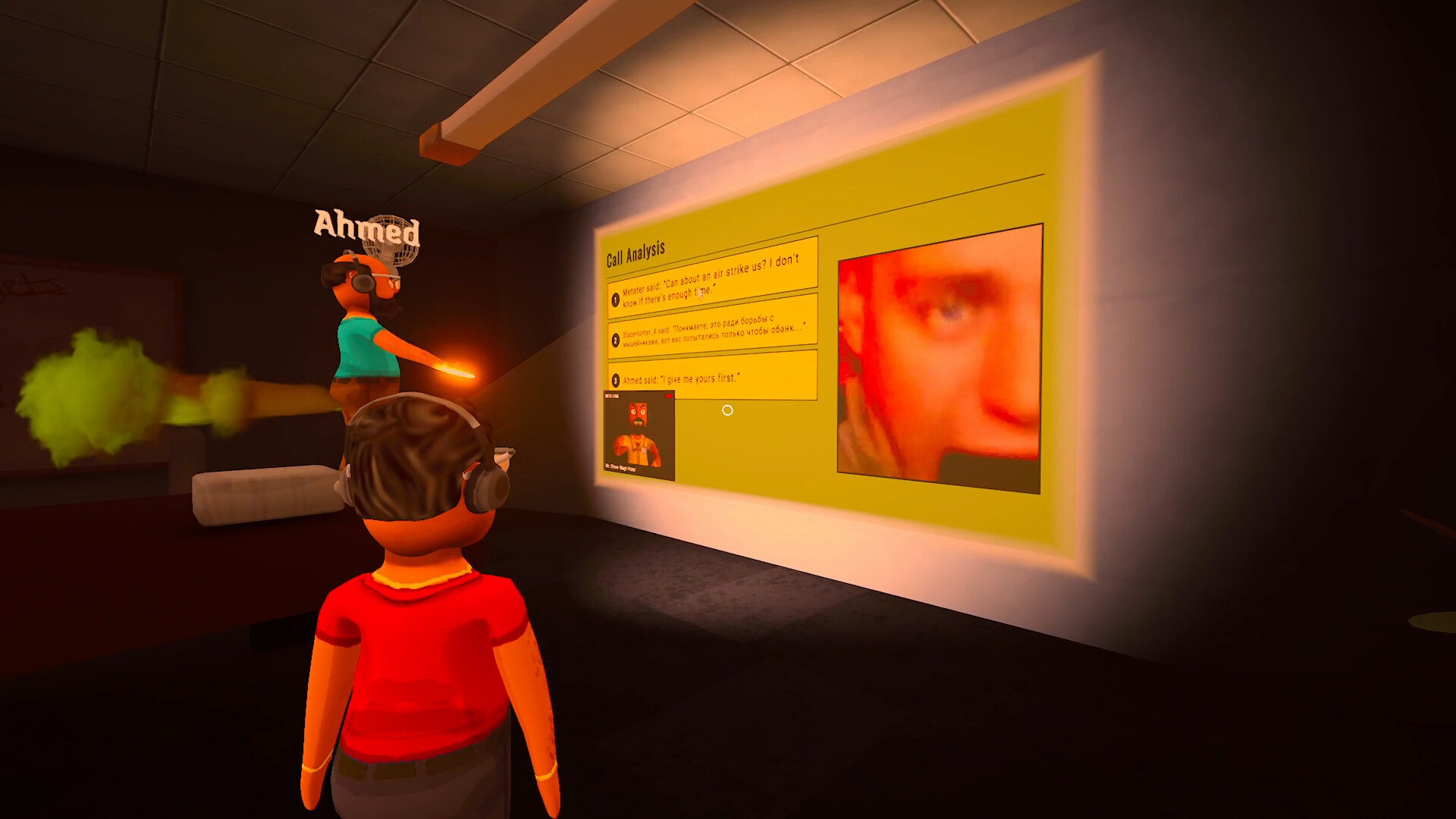
Update 0.1.83 can replace a failed or frozen review video with audio, a still image and a transcript. Seeing that fallback is expected recovery behavior. It does not by itself mean the review or your saved progression failed.
- Audio, still image and transcript appear
- Continue using that replay to review the call. 0.1.83 also mutes failed video when switching to this fallback.
- Video cannot connect or the clip never becomes ready
- Earlier updates add and improve a backup transfer through Steam. Apply current updates before comparing with an older video-only report.
- Both video and fallback stop
- Record whether audio, image and transcript appeared, which players were affected, and the game version. Report the replay symptom separately from live caller speech.
- Caller has no voice during a live call
- Use AI voice-output troubleshooting. A live caller TTS failure is a different stage from review recording and playback.
The 0.1.82 notes also improve cleanup of replaced or stopped videos and prevent a stalled recording process from freezing scene changes or leaving a game. The 0.1.83 notes improve review synchronization and recovery. These are documented fixes, rather than a guarantee that every connection or recording problem is resolved.
Will Disable Call Saving stop Boss review?
The documented Disable Call Saving option stops new recordings from being kept as permanent video clips. Boss reviews still use temporary recordings when it is enabled. Therefore, a missing permanent video file after the session does not by itself show that no review recording was made.
Videos and related transcripts also have separate deletion behavior under the publisher’s privacy policy. See recordings and privacy for the default folder and controls. Do not delete save data to troubleshoot replay playback; progress saves and Cloud sync are separate from recording files.
Review skip and the next shift
Update 0.1.82 fixes holding the review-skip door across a day transition accidentally clocking out of the following shift. Repeated hold-start requests also no longer restart an active hold.
If you encounter that symptom, check that all players updated before the session. After a transition, confirm the current day and state before holding another interaction. The notes describe the interaction fix but do not establish a universal skip duration or keyboard shortcut; follow the prompt for your bindings.
Turn the result into a better next run
Choose one observed cause to address:
- Wrong captured words: test one short phrase and correct the microphone or recognition setting.
- Correct words but no reply: preserve the service warning and use AI connection checks.
- Agreement without money: finish the scenario’s settlement action and verify the result before counting it toward quota.
- Office event interrupted the attempt: identify the hazard and check whether the task actually finished.
- Progress missing after relaunching: check the Steam account, version and Cloud save state, rather than treating a playback failure as lost progress.
Progress, prestige and checkpoints are included in 0.1.83’s Steam Cloud feature. That feature does not establish exactly which items every failed run preserves or the unlock requirement for each scam. Read the game’s current result and checkpoint state before assuming that a restart or reset will recover a run.
CHECK THE ORIGINALS
Sources & version notes
Checked October 22, 2026. Official notes describe behavior at their publication date. Early Access updates may change it.